5 Best Digital Art Apps for Hobby Creators in 2026
Digital art has become one of the most accessible and rewarding creative hobbies out there. Whether you’re sketching casually, experimenting with illustration styles, or learning how to paint digitally for the first time, the right app can make the experience smoother, more intuitive, and a lot more fun.
Here are five of the best digital art apps hobby artists are loving in 2026 — perfect for beginners, doodlers, hobby illustrators, and anyone looking to express their creativity.
1. Procreate
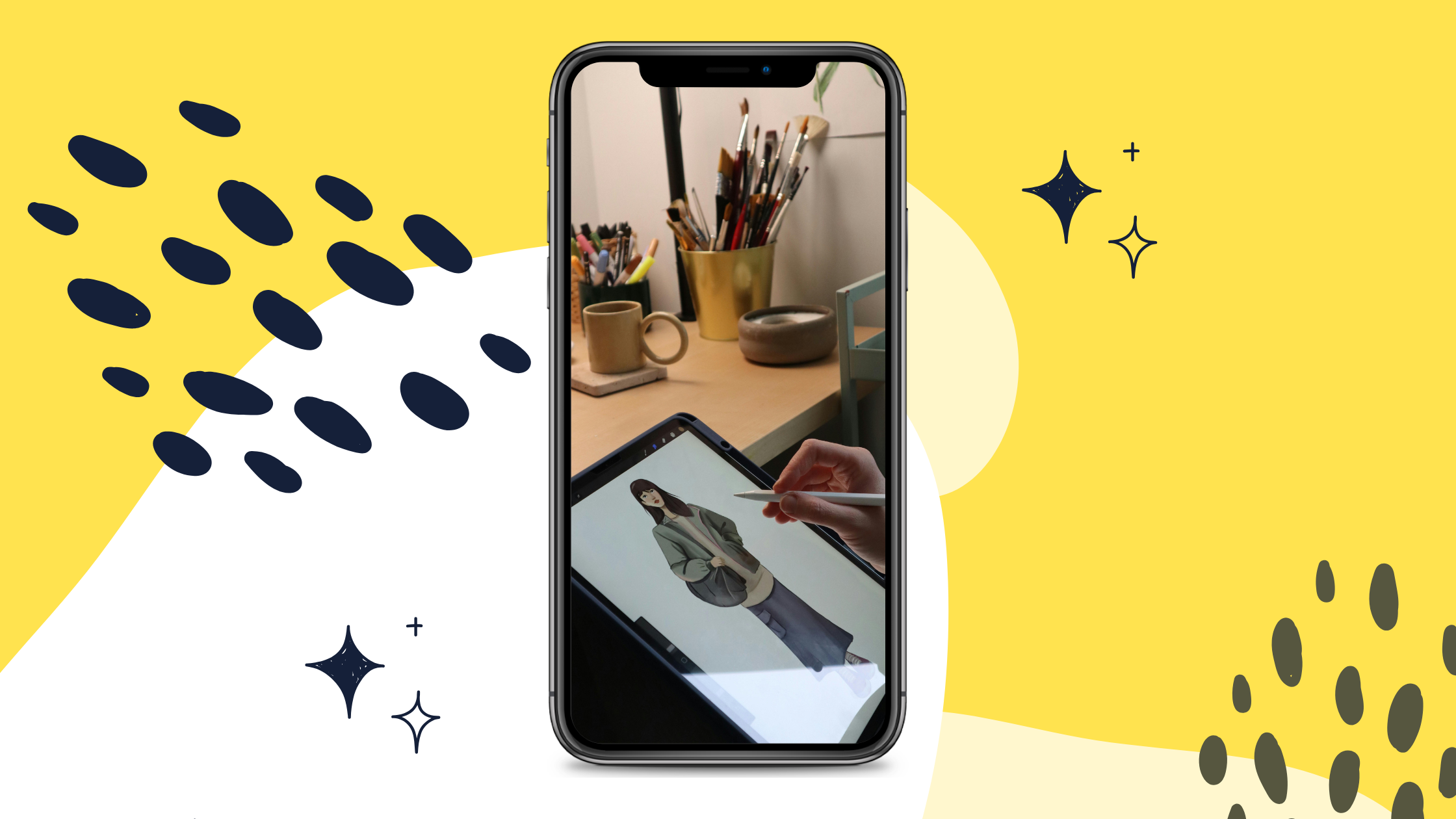
Procreate has become the go-to app for hobby digital artists. Its interface is clean and easy to learn, yet the tools are powerful enough to create professional-level art. With customizable brushes, intuitive gestures, time-lapse recording, and smooth performance, Procreate makes the creative process feel natural — almost like drawing on paper but with infinite undo.
It’s perfect for hobbyists who want a fun, highly capable app without overwhelming complexity.
PROS
- Extremely intuitive and beginner-friendly
- Huge library of brushes + the ability to create your own
- Fast, smooth drawing engine
- Time-lapse recordings of your artwork
- Great for sketching, painting, lettering, and illustration
2. Procreate Dreams (Animation Companion App)

For hobbyists dipping into animation, Procreate Dreams offers a simple and inspiring way to bring drawings to life. It’s designed for ease of use — drag, animate, add motion — and pairs beautifully with Procreate for a seamless workflow.
This app is ideal for hobby creators who want to play with motion graphics, animated sketches, or short creative loops without needing advanced animation knowledge.
PROS
- Beginner-friendly animation and motion tools
- Smooth integration with Procreate
- Great for short animations, storyboards, and creative experiments
- No steep learning curve like traditional animation software
3. Autodesk Sketchbook

Sketchbook is beloved by hobby artists because it feels light, clean, and natural — like sketching in a digital notebook. The app is free and includes a generous brush library, professional-grade drawing tools, and a distraction-free interface.
It’s especially great for hobbyists who love doodling, line art, character sketches, or quick conceptual drawings.
PROS
- Completely free with no subscription
- Clean, minimalist workspace
- Excellent for sketching and line art
- Works well on tablets and phones alike
4. Clip Studio Paint

Clip Studio Paint is incredibly popular with hobby illustrators, comic artists, and manga creators. It offers advanced line stabilization, panel tools, 3D models for posing, customizable brushes, and everything you need for comic or manga creation.
Even though it’s powerful, hobby artists appreciate how customizable and flexible it is — you can start simple and grow into the advanced tools at your own pace.
PROS
- Exceptional brush engine and line stabilization
- Tools designed for comics, manga, and illustration workflows
- 3D posing models for reference
- Great for tablet and desktop artists alike
5. ibisPaint X
ibisPaint X is a fantastic app for hobby digital artists — especially beginners or those using smartphones. Despite being lightweight and beginner-friendly, it offers impressive features like layer controls, blend modes, rulers, stabilizers, and a huge brush library.
The community and tutorial-driven environment also makes learning new techniques fun and easy.
PROS
- Free (with optional upgrades) and very beginner-friendly
- Great for mobile artists or tablet artists on a budget
- Lots of brushes, effects, and stabilizers
- Built-in tutorials and community resources
Which Digital Art App Fits Your Style in 2026?
- Want the best all-around drawing/painting experience? → Procreate
- Interested in animation or motion art? → Procreate Dreams
- Prefer a simple, free sketching tool? → Autodesk Sketchbook
- Love manga, comics, or detailed illustration? → Clip Studio Paint
- Drawing on a phone or want a free, beginner-friendly option? → ibisPaint X
Digital art is a hobby built on curiosity and experimentation. Whether you’re doodling for fun, sketching ideas, or diving into more serious illustration, these apps help you stay creative, inspired, and excited to make something new.