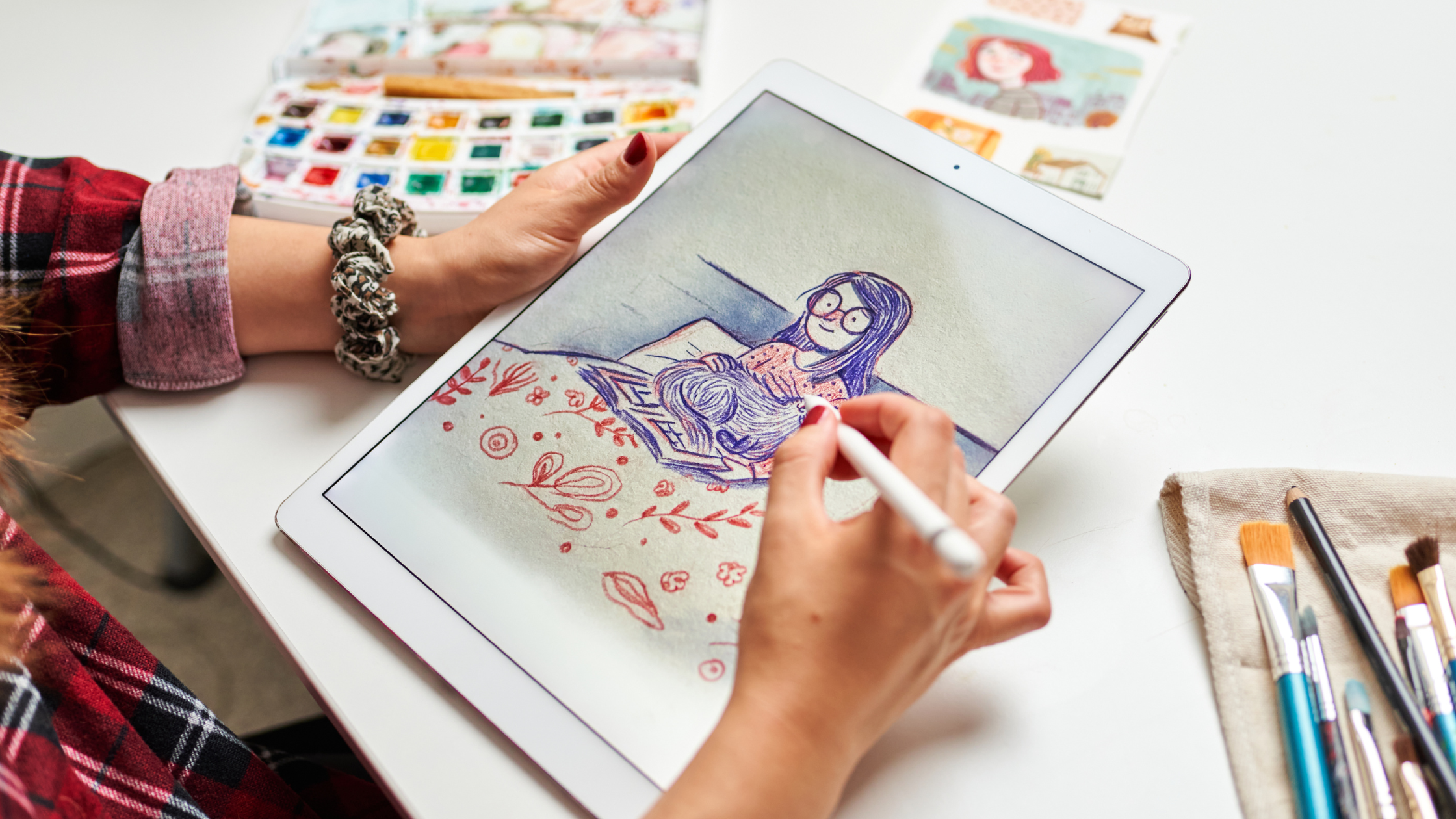
10 Best Digital Art Hobbies for Creative Inspiration
Digital art is a creative and flexible way to express yourself. You can try drawing, painting, or designing on a tablet, computer, or even your phone.
There are many tools and apps that make it easy to get started, even if you have never made digital art before.
Discovering digital art hobbies gives you new skills while letting you use your imagination in exciting ways. Whether you want to relax, make something to share online, or even start a side project, digital art is full of options for all interest levels.
1) Digital Painting with Procreate
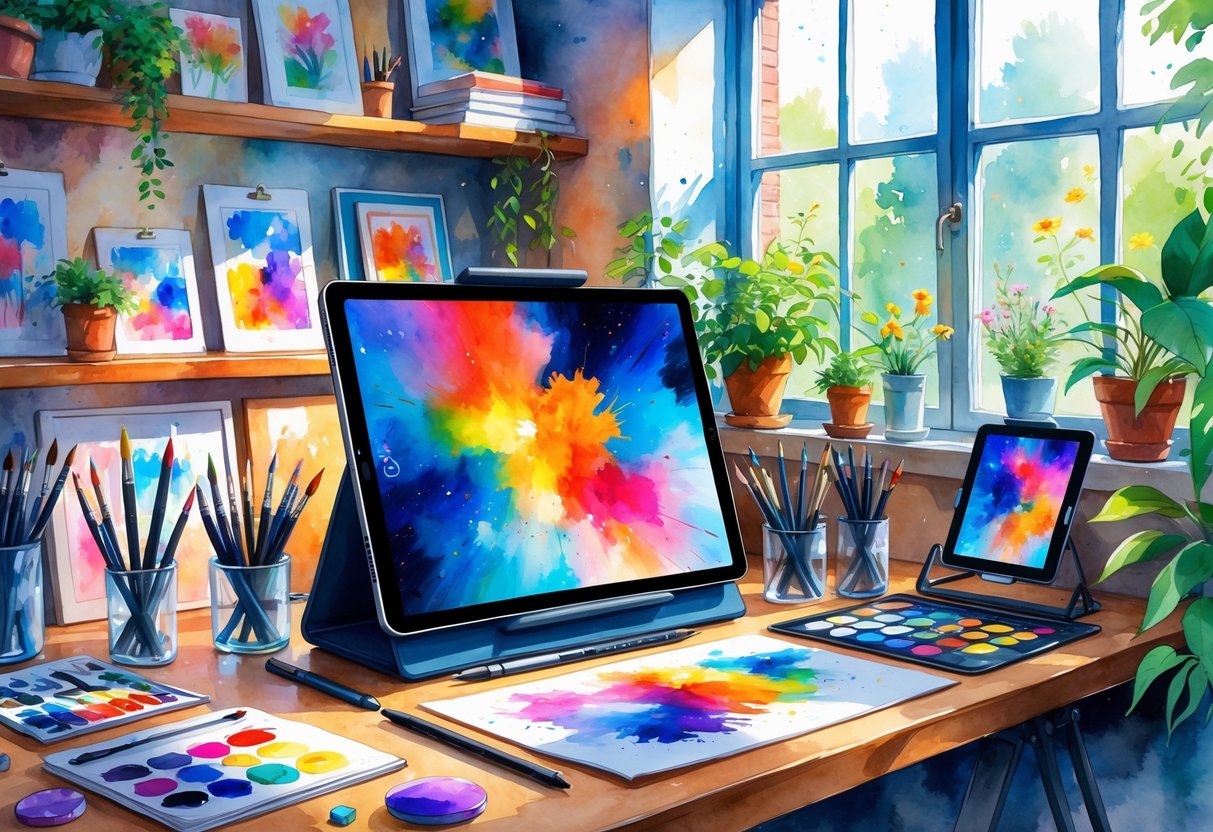
Digital painting with Procreate is one of the most popular digital art hobbies right now. If you have an iPad, you can get started easily.
The app is user-friendly and has many tools for beginners and advanced artists. You can sketch, color, and finish entire art pieces using only your tablet.
Procreate offers a wide range of brush options to help you add different textures and effects to your art. You can also change canvas sizes to fit your project.
One of the biggest benefits is that you can work in layers. Layers let you make changes without accidentally ruining your whole project.
It’s also simple to undo or redo actions if you make a mistake. Procreate allows you to save your work in high-quality files.
This makes it easy to print your art or share it online. You can even make short animations using the animation tools.
If you want to learn new techniques, there are plenty of free and paid tutorials online. Many artists share helpful tips about how to use brushes, layers, and effects.
For more inspiration and ideas, you can check out Procreate projects and tutorials online. Even if you’ve never used a digital art app before, you can find guides to help you get started.
For a simple guide, try these Procreate tips for stunning digital art. Many artists choose Procreate because it’s both accessible and advanced.
With your tablet and stylus, you can explore digital painting anywhere you want.
2) 3D Modeling using Blender
If you are interested in creating 3D art, Blender is a great place to start. Blender is free software that lets you make 3D models, animations, and even simple games.
You can use it on most computers without paying anything. With Blender, you can design characters, objects, and entire scenes.
You can also add colors, lights, and textures to your models. Many people enjoy using Blender because it offers a lot of creative freedom.
There are many tutorials online to help you learn Blender, even if you are a beginner. These guides and videos can walk you through the basics step by step.
As you improve, you can try more complex projects and add your own style. Blender is popular among hobbyists and professionals.
Some use it just for fun, while others create work to show in portfolios or as part of their jobs. You can see some of the best 3D projects made with Blender to get inspired by what is possible.
If you want to share your art, there are online communities where you can post your work and get feedback from others. Many hobbyists enjoy connecting with fellow creators, sharing tips, and learning new skills.
Blender keeps getting updated, so there are always new tools and features to try. If you like to learn new things and challenge yourself, 3D modeling in Blender can be a rewarding and creative choice for your digital art hobby.
3) Vector Illustration in Adobe Illustrator
Vector illustration is a digital art hobby that lets you create clean, scalable images. In Adobe Illustrator, you use lines, shapes, and points to build designs that do not lose quality when resized.
This makes vector art great for logos, icons, and posters. If you enjoy working with precise shapes and colors, vector illustration might be a perfect fit.
Adobe Illustrator gives you many tools to experiment and adjust your artwork. You can build anything from simple graphics to detailed drawings.
One of the main benefits of vector art is its flexibility. You can easily change colors, move objects, or resize your entire design without ruining the image quality.
This level of control is especially useful if you need the same design for different uses. There are many techniques to learn, such as using the Pen Tool, creating gradients, and layering shapes.
As you practice, you’ll discover your own style and workflow. If you want to improve your skills, there are step-by-step guides and expert tips available online.
Adobe Illustrator is considered the industry standard software for vector design. It is widely used by professionals and beginners for making digital illustrations, branding, and web graphics.
Knowing how to use Illustrator can help you create high-quality art for both fun and practical projects. You don’t have to be an expert to get started.
With patience and regular practice, you can make impressive vector art, even as a beginner. Following tutorials and experimenting on your own will help you build confidence and skill.
4) Animation with Toon Boom Harmony
If you want to try digital animation, Toon Boom Harmony is a strong choice. This program is used by animation studios that work on TV shows, movies, and games.
Many professionals rely on its tools for creating smooth, high-quality 2D animation. Harmony has features that can help beginners and advanced users alike.
You can draw frame by frame, add color, and use simple effects to bring your artwork to life. The layout is user-friendly, and you can customize the workspace to fit how you work.
It offers flexible drawing and animation tools that let you build up scenes with layers, keyframes, and timing. You can also combine hand-drawn frames with digital puppet-style animation.
Toon Boom Harmony supports many file formats, making it easier to use files from other programs like Photoshop or Adobe Animate. You can import backgrounds, designs, or even audio to sync with lip movements.
Many animators pick Toon Boom Harmony because it’s seen as an industry standard for 2D animation. People making short films, web cartoons, or even professional projects use this software every day.
You’ll find its features in productions from major companies like Disney and Netflix, according to Tai Arts. Some users recommend starting with simpler programs if you have never done animation before.
But if you want a program you can grow into as your skills improve, Harmony is a good fit. You can learn more about whether it’s right for beginners by checking out this discussion about Toon Boom Harmony for beginners.
5) Pixel Art Creation in Aseprite
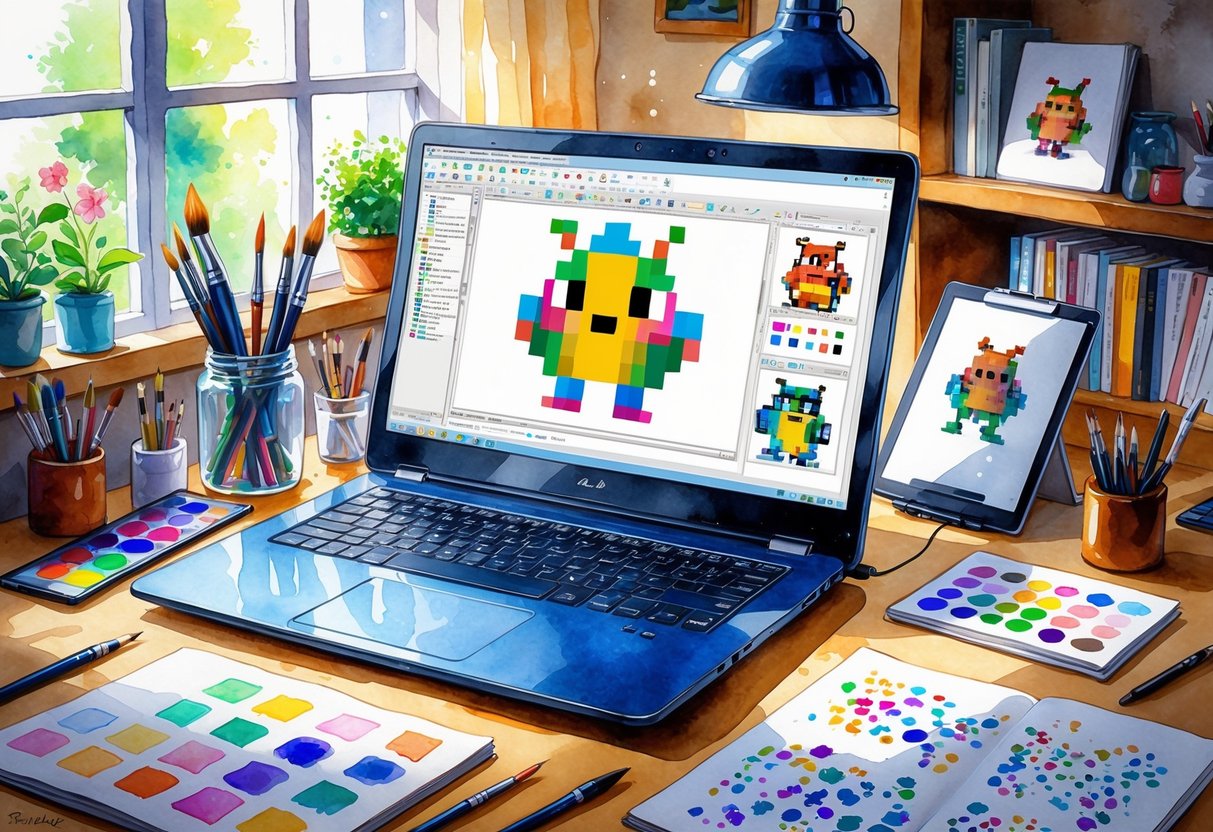
Pixel art is a style where images are made from small squares called pixels. With Aseprite, you can create detailed pixel images and simple animations on your computer.
The interface is beginner-friendly and popular among artists and game designers. Beginners can easily pick up the basics, like drawing shapes, picking colors, and using layers.
If you have never made pixel art before, there are tutorials for absolute beginners that guide you through your first project. Aseprite gives you tools for both drawing and animating.
You can make static art, like icons and characters, or bring your work to life with simple animations. Shading, outlining, and filling areas of color are straightforward with Aseprite’s toolset.
Many artists use pixel art to make sprites for games, avatars for social media, or just for fun. You can create pixel doodles to practice and improve your skills.
Aseprite also makes it easy to export your art for sharing or use in other projects. If you want to learn more or get inspiration, there are many online guides and Aseprite tutorials available for free.
These cover tips on customizing brushes, creating animations, and working with color palettes. Working with pixel art in Aseprite is a practical hobby that helps develop your digital art skills.
The program is powerful enough for advanced projects but simple enough for beginners to enjoy.
6) Photo Manipulation in Adobe Photoshop
Photo manipulation lets you change and improve photos by mixing different images, adding effects, and fixing details. Using Adobe Photoshop, you can blend pictures together, remove unwanted objects, and adjust colors to make something new.
You do not need to be an expert photographer to get started. Basic skills in cutting, pasting, and using layers are enough for your first projects.
Over time, you can try more advanced tools, like layer masks, blend modes, and custom brushes. Many people use photo manipulation to make creative posters, illustrations, and surreal art.
For example, you can swap backgrounds, add new elements, or combine animals with people. Editing a photo with Photoshop lets you explore almost endless ideas and see how images can change with a few clicks.
There are lots of guides online to help you learn photo manipulation step by step. Tutorials show you how to use Photoshop tools, create visual effects, or even build your own digital collages.
Practicing new methods can help you pick up skills faster and work smarter on your pictures. Photo manipulation often means paying attention to detail.
You need to match light and shadows, adjust colors, and blend edges so your changes look natural. Having patience and trying different techniques can make your work look cleaner and more realistic.
If you want some inspiration or want to follow more projects, you can check out creative ideas for photo manipulation and Photoshop manipulation tutorials online. Many digital artists share their work and tips, making it easier for beginners to learn and improve.
7) Digital Sculpting with ZBrush
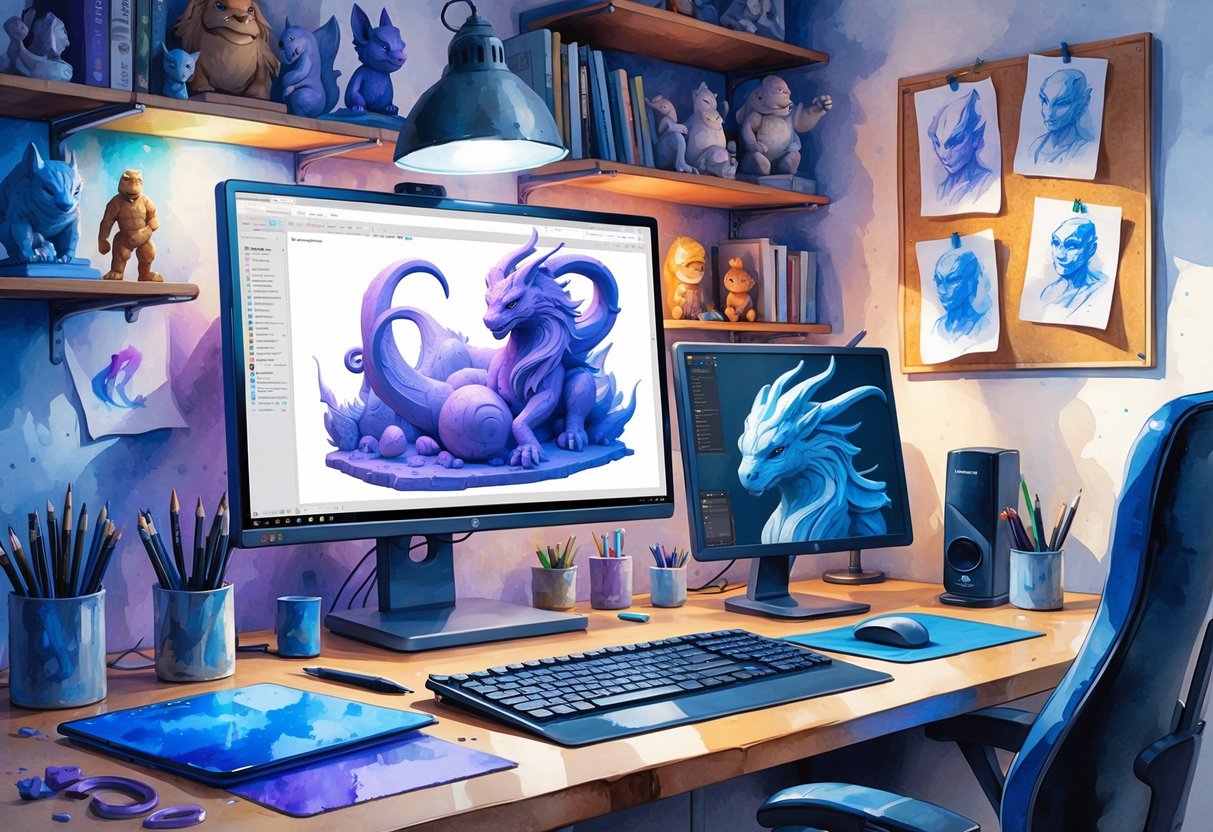
Digital sculpting with ZBrush allows you to create detailed 3D models on your computer. You work with virtual clay, using tools similar to what real sculptors use.
With this hobby, you can let your creativity shape characters, objects, and environments for games, movies, or your own projects. ZBrush is known for its powerful digital sculpting features.
It has an array of brushes that let you mold, smooth, and carve your digital sculptures. The software also includes unique tools, such as DynaMesh and ZRemesher, to give you more control and help you create custom models.
Artists often use these features to add fine details and textures to their work. Getting started with ZBrush does not require previous experience with 3D art.
Many beginners use it to learn digital sculpting from scratch. However, having experience with other art software can make the learning process easier.
You can watch free and paid tutorials to learn new techniques. There are many high-quality ZBrush tutorials available online that teach basic skills as well as advanced tips.
Some training focuses on making characters, animals, or even realistic props. Experimenting with different brushes in ZBrush helps you get better.
Try not to stick to only one or two tools. The more you practice, the more you’ll understand how to create different effects and textures.
In time, you can share your finished sculptures online or use them in other digital art projects. If you want inspiration, take a look at the top ZBrush projects made by artists worldwide.
8) Concept Art using Krita
Concept art is a way to explore new ideas visually before turning them into finished projects. You can use it to design characters, environments, or even entire worlds.
It is often the first step in making games, comics, and animated movies. Krita is a free and open-source digital painting tool popular with both beginners and professional artists.
Its interface is simple to learn, yet it includes a wide range of features to help you develop your creative ideas. Whether you use a mouse or a graphic tablet, Krita is flexible and responsive.
You will find a large choice of brushes and tools designed for painting, sketching, and texturing. Krita lets you customize your workspace and brushes to match your style.
You can even create your own brushes if the presets don’t fit your needs. The program also includes layers, blending modes, and advanced selection tools.
These features help you build up your concept art step by step. You can work quickly, try out different ideas, and make changes easily without losing older versions of your work.
Krita supports many file formats, so you can import images or export your designs to show others. There are plenty of free tutorials online to help you get started or learn new techniques.
You can browse finished artworks and community tips on websites like Krita Artists. If you want more detailed guidance, you can use step-by-step guides to create a concept art piece from start to finish in Krita.
This kind of project gives you hands-on practice and builds your art skills while exploring your imagination. Read more about getting started with concept art in Krita.
9) Mixed Media Digital Collage
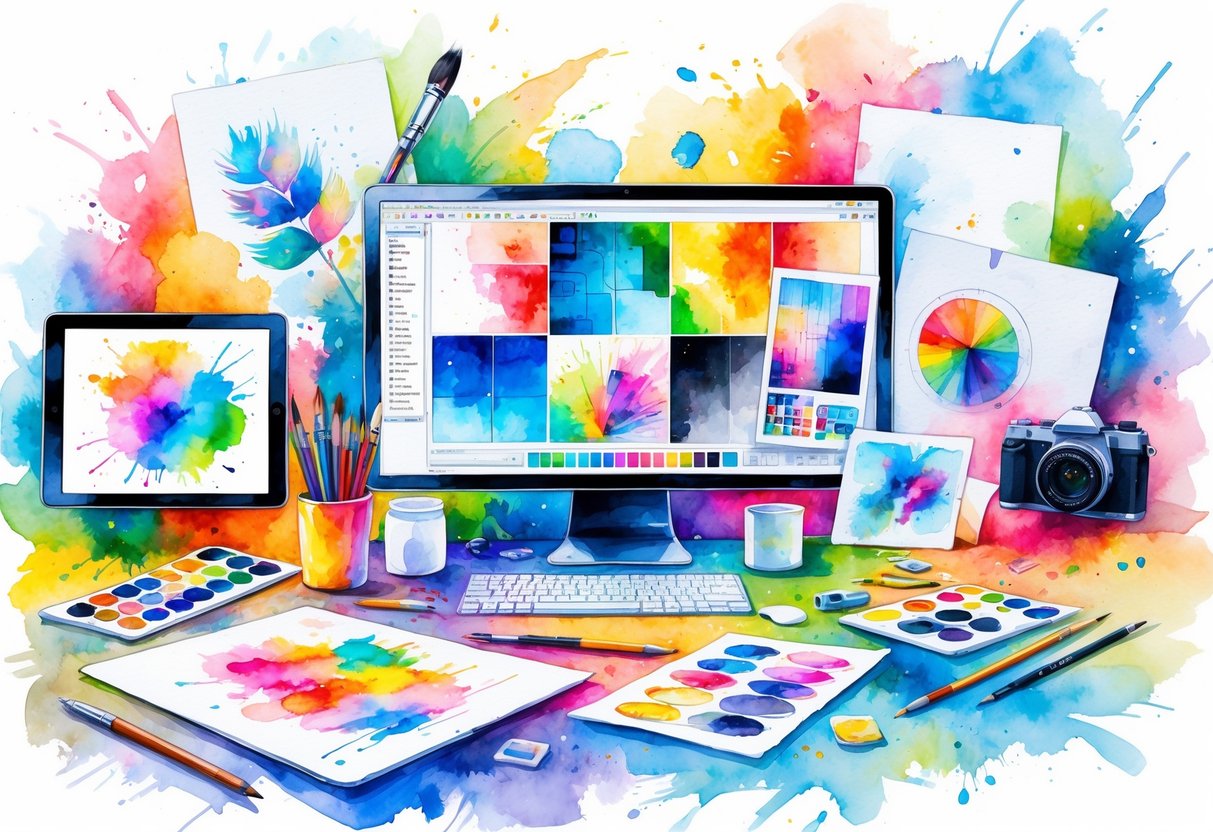
Mixed media digital collage lets you mix photos, drawings, textures, and graphics all in one piece. You can use different layers and effects to build unique images.
This process gives you the freedom to try new things and combine different art styles. If you like collecting images or textures, this hobby is a great way to turn them into creative digital works.
Many artists use stock images, magazine clippings, and their own photos as building blocks. Digital tools help you cut, move, and blend these pieces until your collage feels complete.
There are many ways to make a digital collage. Some artists focus on combining vibrant colors and abstract patterns, while others might use vintage images for a retro look.
You can explore various digital collage techniques to find your own style. Mixed media collage is easy to try, even for beginners.
Basic photo editing software can be enough to get started. As you get more comfortable, you can move on to more advanced programs with extra tools and filters.
One of the best things about mixed media digital collage is how personal it can be. Each piece can reflect your tastes, memories, and interests.
Your work can be completely abstract or tell a story through the images you choose. Digital collage is also popular for sharing online.
Social media and art websites are full of creative collage projects made by people around the world. If you want inspiration, check out artists who focus on digital collage art.
10) Digital Calligraphy using Affinity Designer
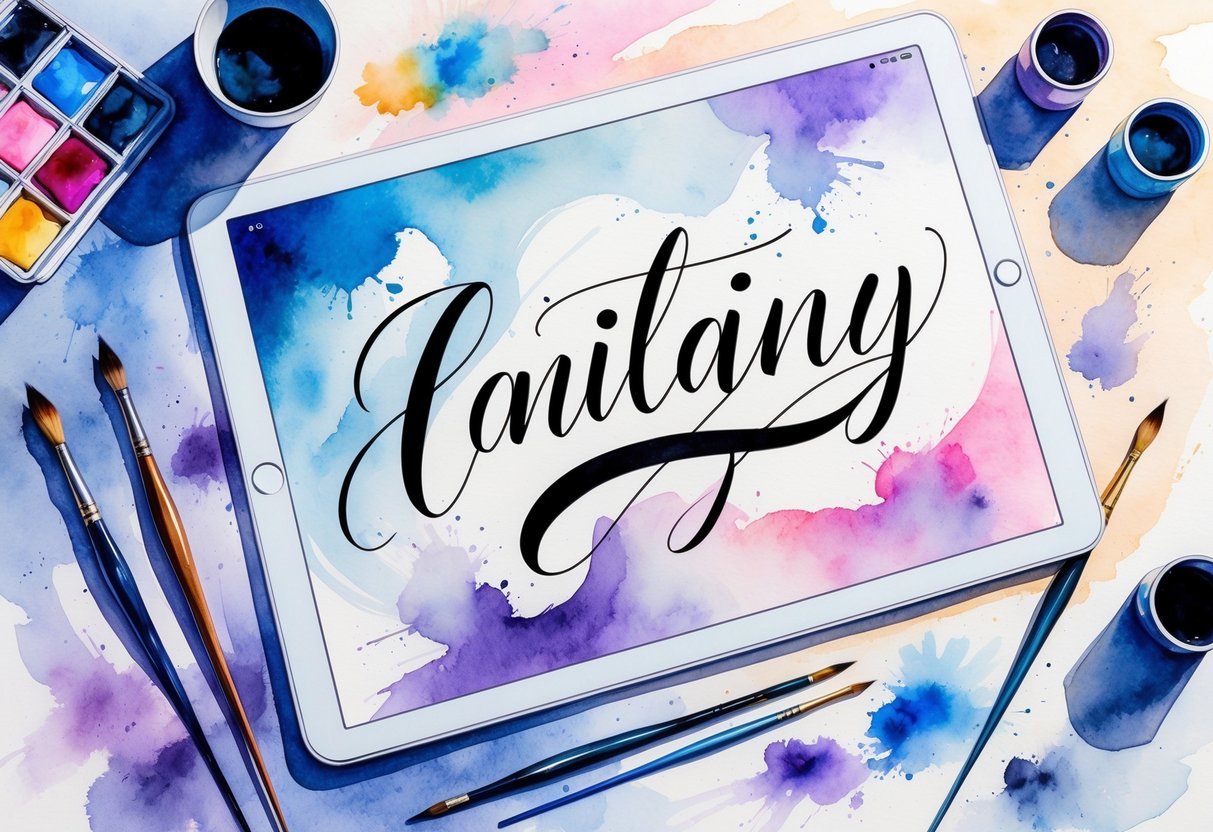
Digital calligraphy is a creative and relaxing hobby that you can try on your tablet or computer. With Affinity Designer, you get an easy-to-use program that works especially well for lettering and stylized writing.
You do not need special hardware. A basic drawing tablet or even your iPad will work.
Affinity Designer offers different brushes that let you make calligraphy strokes that look smooth and professional. You can adjust brush size, stroke angle, and color for each project.
This makes it possible to create unique lettering styles that reflect your personality. There are also many free and paid brush packs available online.
Unlike some other programs, Affinity Designer is a one-time purchase, which makes it a budget-friendly option for anyone wanting to start digital calligraphy. You also get updates that add features without extra monthly fees.
The program lets you work with vector graphics, which means your calligraphy can be resized without losing quality. This is useful if you want to print your work or use it in different design projects.
If you have used programs like Inkscape, you will notice that Affinity Designer has its own tools for drawing calligraphic strokes. You can change the angle and width of your brush to make different styles of letters and symbols.
You also have full control over each curve and shape you draw, making the creative process flexible and precise. Digital calligraphy is a hobby that helps you improve your drawing and design skills.
It is easy to share your finished lettering online or use it in invitations, greeting cards, and logos. Starting with Affinity Designer can make learning digital calligraphy more fun and accessible.
If you are new, there are plenty of guides and starter kits to help you start right away.
Benefits of Digital Art Hobbies
Digital art gives you more ways to express ideas while learning new skills. You can use it alone or work with others online, making it flexible for both creativity and social connection.
Boosting Creativity and Self-Expression
With digital art, you have access to many tools, brushes, and colors that let you experiment and try new things. Unlike paper and paint, you can undo mistakes or try different effects easily.
This helps you feel more free to try out fresh styles and ideas. You can create digital paintings, illustrations, animations, or even 3D models.
There are almost no limits on what you can make. Digital art is also easy to share online, so you can show your work to friends or a bigger audience.
This helps you build confidence in your self-expression. Some people use digital art as a way to de-stress or relax.
The process can be calming since you can draw, paint, or design at your own pace. You also get the chance to work in a wide range of styles, from realistic to cartoon, without needing expensive supplies.
More people are picking up digital art because it opens up endless possibilities for creativity and self-expression. Whether you are a beginner or have been drawing for years, you can always find new ways to express yourself digitally.
Building Technical Skills
Learning digital art helps you get comfortable with software like Procreate, Photoshop, or Krita. You practice using drawing tablets, styluses, and different computer tools, developing skills you can use in many creative fields.
Digital art teaches you about layers, blending, filters, and effects. These are important for making polished artwork.
As you practice, you learn how to use keyboard shortcuts and experiment with file formats. These are helpful tricks for making your workflow faster and more efficient.
Knowing digital art can also boost your computer skills. You learn to save, share, and print your creations, which can be helpful for school projects or even starting a freelance side job.
Digital art is a practical hobby that can lead to careers in design, animation, or gaming. Even if you do not want to become a professional, learning these technical skills is useful.
You will find it easier to understand other software or work on digital projects in the future.
Opportunities for Community and Collaboration
You can join online groups, take classes, or follow digital artists on social media. This lets you connect with people who share the same interests.
Sharing your art and getting feedback helps you grow your skills. Many platforms have challenges or group projects you can join.
For example, you might take part in a digital art contest or collaborate on a large mural with artists around the world. These experiences help you learn to work with others and see different art styles.
Being part of a creative community can give you ideas, support, and inspiration. Digital art communities are often welcoming to beginners.
You can ask questions, watch tutorials, and get tips from other artists. If you work better in a group or simply want encouragement, you have many ways to connect and make friends through your digital art hobby.
Essential Tools and Resources
Getting started with digital art is easier when you have the right equipment, accessible learning options, and a way to connect with others. The tools and communities you choose can shape your progress and enjoyment in this hobby.
Digital Drawing Tablets and Software
A drawing tablet is one of the most important tools for digital art. Many beginners start with a budget tablet, such as Wacom One or Huion, because they offer good pen sensitivity and work well with most computers.
If you want something that is portable, the Apple iPad with Apple Pencil is a top choice due to its versatility and strong app support. For creating art, you need software that fits your style and budget.
Popular options include Adobe Photoshop, Clip Studio Paint, and Procreate for iPad. These programs provide brushes, layers, and tools needed for illustration, design, and animation.
Key features to look for:
- Pressure-sensitive pens
- Large drawing area
- Compatibility with your device
- User-friendly interface
Some artists prefer standalone tablets with screens you can draw on directly, but basic pen tablets also give great results when connected to a computer. For more suggestions, check out the essential tools for digital artists list.
Online Learning Platforms
Learning digital art is straightforward with access to online courses and tutorials. Websites like Udemy, Skillshare, and Coursera offer structured lessons that cover everything from drawing basics to advanced painting techniques.
You can also find many free tutorials on YouTube and artist blogs. These resources help you practice new skills, try different software, and understand digital art processes at your own pace.
Consider joining classes that offer project-based assignments. This helps you build a strong portfolio over time.
Live feedback from instructors or peers can make a big difference in your progress. Look for courses that fit your current level and goals.
Inspiration From Digital Art Communities
Connecting with other digital artists gives you support, feedback, and inspiration. There are active communities on websites like DeviantArt, ArtStation, and Reddit’s r/digitalart.
You can post your work, join challenges, and ask questions. Many communities also hold regular contests and offer advice for improving your skills.
Discussion boards, Discord servers, and social media groups help you stay updated with trends and techniques. For more ideas, explore this digital art buying guide for tools and community suggestions.
Frequently Asked Questions
Digital art hobbies range from simple drawing on tablets to exploring advanced 3D modeling software. You can get started with affordable tools and grow your skills at home or even earn income with your creations.
What are some popular digital art hobbies for beginners?
You can try digital painting with apps like Procreate, which is popular because it is user-friendly and affordable. Another beginner-friendly option is digital illustration on a tablet or computer.
Pixel art creation is also simple to start and lets you use programs like Aseprite that focus on small, detailed graphics. Digital scrapbooking and doodling are other fun ways to develop your creativity with minimal learning curve.
Which digital crafting hobbies have the potential to generate income?
Selling digital illustrations or graphics online can help you make extra money. Many people also sell 3D models made in Blender to game developers or other creators.
Animation projects, especially short videos, can be sold as commissions or shared on platforms that pay creators. Vector illustration, especially for logos or business designs, is in high demand.
What are common creative hobby ideas for adults to pursue at home?
You can work on digital painting projects with software such as Procreate or Photoshop. Digital scrapbooking and design are also easy to do from home.
3D modeling or simple animation projects, like creating GIFs, are interesting choices for adults looking to try new things without leaving the house. Digital collage and editing photos are other creative options.
Can you list some unique digital art hobbies that are less mainstream?
Making custom brush packs or designing resources for other artists is a unique digital art hobby. Creating digital terrariums—miniature virtual gardens—is another idea that combines art and technology.
You might also create video game sprites or work on DIY augmented reality filters for social media. Making digital zines or interactive web comics can set your work apart as well.
How can one integrate technology into traditional crafting hobbies?
You could use a tablet to create embroidery designs before stitching them. Many crafters use digital patterns for sewing or papercraft projects, which they print out at home.
Technology lets you design stencils, stickers, or even 3D print objects that complement traditional art like painting or sculpture. Scanning hand-drawn images to edit them digitally is also common.
What resources are available for someone looking to start a digital art hobby?
Several websites and online courses explain the basics of digital art. Popular apps have tutorials for new users to help you get started.
You can find community groups on forums and social media to share your work and get feedback. Q&A sections on digital art websites offer tips about the best tools, software, and beginner techniques.
See answers to common questions for digital artists for more details.