

15 Hobbies That Only Require a Computer: Digital Pursuits for Modern Enthusiasts
Looking for ways to explore new interests without leaving your home or investing in expensive equipment? Computer-based hobbies offer unlimited possibilities for creativity, learning, and entertainment using only the device you likely already own. These digital pursuits can transform idle screen time into productive and fulfilling activities.

Modern computers provide access to countless hobby opportunities that were unimaginable just decades ago. From creative digital pursuits to skill-building activities, your computer serves as a gateway to communities, learning platforms, and creative tools. Whether you want to develop new talents or simply find engaging ways to spend your free time, digital hobbies eliminate traditional barriers like location, schedule constraints, and startup costs.
The beauty of computer hobbies lies in their accessibility and variety. You can switch between different activities based on your mood, energy level, or available time. Many of these hobbies also offer pathways to connect with like-minded individuals worldwide or even develop into income-generating opportunities.
Key Takeaways
- Computer hobbies provide cost-effective ways to explore creativity and develop new skills from home
- Digital activities can range from entertainment and gaming to professional development and entrepreneurship
- Online communities and platforms make it easy to connect with others who share similar interests
Digital Hobbies You Can Start Today

Creative online hobbies offer immediate access to writing platforms, digital art software, music production tools, and video editing programs. These activities require only basic computer skills and free software to begin.
Creative Writing and Blogging
You can start writing fiction, poetry, or blog posts using free word processors like Google Docs or LibreOffice Writer. Platforms such as Medium, WordPress, and Substack allow you to publish content immediately without technical knowledge.
Getting Started:
- Choose your niche or writing style
- Set up accounts on publishing platforms
- Write consistently to build an audience
Blogging generates income through affiliate marketing, sponsored content, and subscription models. Many successful bloggers earn between $500-$5,000 monthly within their first year.
Fiction writers can self-publish on Amazon Kindle Direct Publishing or submit to online literary magazines. Short story contests offer cash prizes ranging from $100-$1,000 for winning entries.
Digital Art and Illustration
Free software like GIMP, Krita, and Blender provide professional-grade tools for digital painting, illustration, and 3D modeling. You need only a computer mouse to begin, though drawing tablets improve precision.
Essential Software Options:
| Software | Type | Cost |
|---|---|---|
| GIMP | Photo editing | Free |
| Krita | Digital painting | Free |
| Blender | 3D modeling | Free |
| Canva | Graphic design | Free/Premium |
Digital artists sell artwork on Etsy, Fiverr, and 99designs. Logo designers earn $50-$500 per project, while custom illustrations range from $25-$200.
You can create digital art for social media, book covers, or print-on-demand products. NFT marketplaces also provide new revenue opportunities for digital artists.
Music Production with Software
Digital Audio Workstations (DAWs) like GarageBand, Reaper, and FL Studio let you compose, record, and mix music entirely on your computer. Virtual instruments and sample libraries replace expensive hardware.
Popular DAW Options:
- GarageBand (Mac only) – Free, beginner-friendly
- Reaper – $60, professional features
- FL Studio – $99, lifetime free updates
- Audacity – Free, basic recording
You can distribute music on Spotify, Apple Music, and YouTube through services like DistroKid or CD Baby. Streaming royalties, sync licensing, and beat sales provide income streams for producers.
Online collaboration tools allow you to work with musicians worldwide. Many producers earn $1,000-$10,000 monthly selling beats to independent artists.
Video Editing and Vlogging
Free video editors like DaVinci Resolve and OpenShot offer professional editing capabilities. You can create content using screen recording software or smartphone footage transferred to your computer.
Content Creation Ideas:
- Tutorial videos
- Product reviews
- Gaming commentary
- Educational content
YouTube monetization begins at 1,000 subscribers and 4,000 watch hours. Successful channels earn through ads, sponsorships, and affiliate marketing. Many creators generate $500-$5,000 monthly within six months of consistent posting.
Video editing skills are valuable for freelance work. Editors charge $25-$75 per hour for corporate videos, social media content, and promotional materials.
Gaming and Virtual Worlds
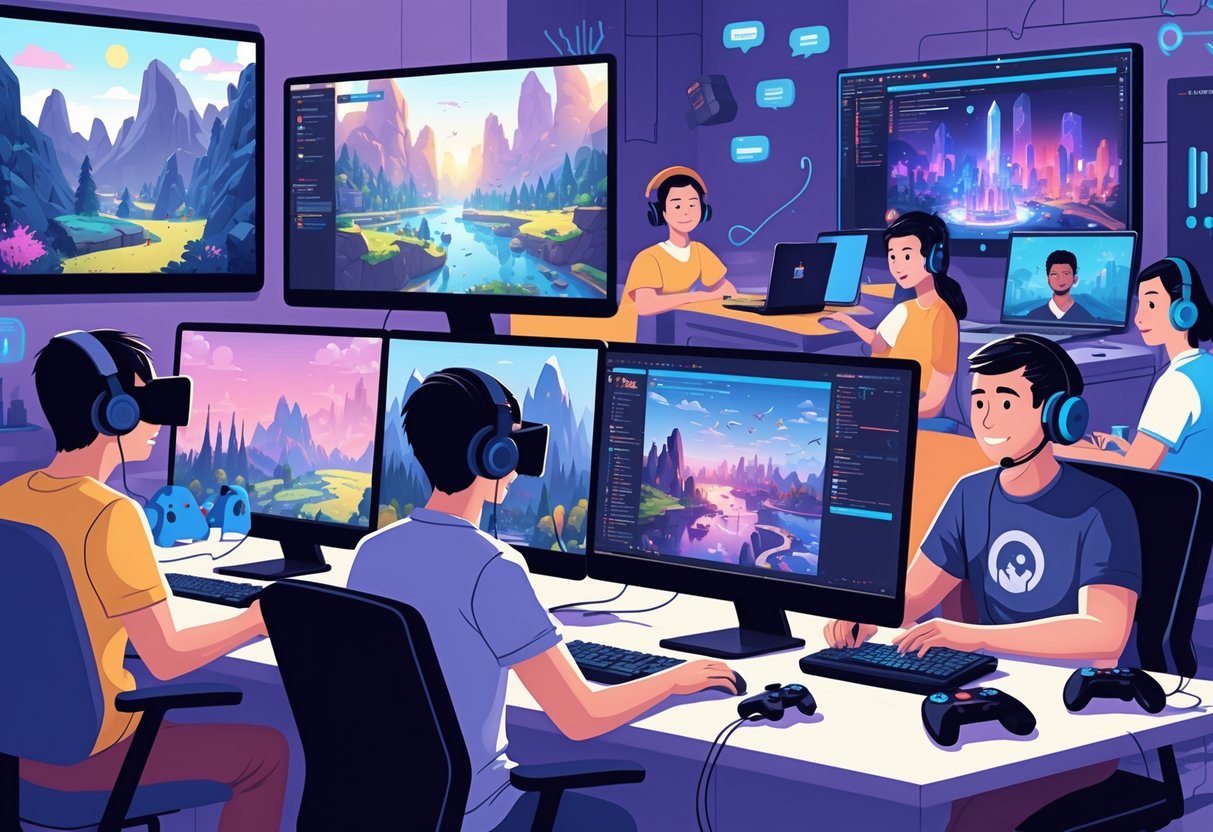
Gaming transforms your computer into a gateway for competitive play, immersive virtual experiences, and digital exploration. You can participate in tournaments, connect with global communities, and explore realistic simulated environments.
Online Multiplayer Gaming
Online multiplayer gaming connects you with players worldwide through your internet connection. Popular genres include first-person shooters, battle royales, and massive multiplayer online role-playing games (MMORPGs).
Free-to-play options dominate the market. Games like League of Legends, Fortnite, and Apex Legends require no upfront cost. You only need a stable internet connection and basic computer specifications.
Hardware requirements vary significantly. Competitive shooters demand higher frame rates and responsive controls. Strategy games and MMORPGs typically run well on modest systems.
Community engagement forms the core experience. You join guilds, participate in team competitions, and build lasting friendships. Discord servers and in-game chat systems facilitate communication during matches.
Many tech hobbies require minimal equipment to get started. Gaming platforms like Steam, Epic Games Store, and Battle.net provide access to thousands of titles across all genres.
Esports Participation
Esports transforms competitive gaming into organized tournaments with structured leagues and prize pools. You can compete at amateur, semi-professional, or professional levels depending on your skill development.
Popular esports titles include Counter-Strike 2, Valorant, Dota 2, and Rocket League. Each game features distinct competitive scenes with regular tournaments and ranking systems.
Getting started requires consistent practice and game knowledge. You begin with ranked matchmaking systems that pair you with similarly skilled players. Online tournaments through platforms like Battlefy and FACEIT offer entry-level competition.
Skill development involves studying professional gameplay, analyzing your own performance, and maintaining consistent practice schedules. Many players spend 4-6 hours daily improving their mechanics and game sense.
Team formation becomes crucial for team-based games. You recruit teammates through gaming communities, Discord servers, and competitive forums. Communication skills and strategic thinking matter as much as individual performance.
Virtual Reality Exploration
Virtual reality gaming creates immersive digital environments through specialized headsets connected to your computer. VR transforms traditional gaming into physical, interactive experiences.
VR headset options include the Meta Quest series, Valve Index, and HTC Vive. Steam VR and Oculus Store provide extensive game libraries spanning adventure, simulation, and fitness genres.
System requirements demand powerful graphics cards and sufficient processing power. Most VR games require GTX 1060 or better graphics performance for smooth gameplay without motion sickness.
Game categories range from exploration adventures like Half-Life: Alyx to fitness applications like Beat Saber. Social VR platforms such as VRChat enable interaction with global communities in virtual spaces.
Physical space requirements vary by experience type. Room-scale VR needs 6×6 feet of clear space for movement. Seated experiences work well in smaller areas with swivel chairs.
The technology continues advancing with improved resolution, wireless capabilities, and haptic feedback systems enhancing immersion levels.
Learning and Skill Development Online

Your computer becomes a gateway to mastering new languages, building programming expertise, and earning professional certifications. These useful hobbies that teach real-world skills transform your free time into productive learning sessions that enhance your career prospects and personal growth.
Online Language Learning
Language learning ranks among the most valuable skills you can develop from your computer. Free online language learning resources eliminate the need for expensive courses or tutoring sessions.
Popular platforms include:
- Duolingo for gamified lessons
- Babbel for conversational focus
- Busuu for comprehensive courses
- italki for live conversation practice
You can practice speaking through video calls with native speakers worldwide. Many platforms offer mobile apps that sync with your computer progress, allowing seamless learning transitions.
Benefits extend beyond communication:
- Enhanced cognitive function
- Improved memory retention
- Better multitasking abilities
- Increased cultural awareness
Set daily practice goals of 15-30 minutes for consistent progress. Most platforms track your streaks and provide progress analytics to maintain motivation.
Coding and Programming
Programming transforms your computer into a creative tool for building websites, apps, and software solutions. You start with basic languages like HTML, CSS, and JavaScript before advancing to Python, Java, or C++.
Essential learning resources:
- Codecademy for interactive lessons
- freeCodeCamp for project-based learning
- GitHub for code repositories
- Stack Overflow for problem-solving
Practice coding through daily challenges on platforms like HackerRank or LeetCode. These sites offer problems ranging from beginner to expert levels across multiple programming languages.
Career opportunities include:
- Web development
- Mobile app creation
- Data analysis
- Game development
- Automation scripting
Build a portfolio by creating personal projects like websites, calculators, or simple games. Document your code and host projects on GitHub to showcase your skills to potential employers.
Digital Courses and Certifications
Professional certifications validate your expertise and boost career advancement opportunities. Top websites for skill development in 2025 offer comprehensive programs across multiple industries and skill levels.
Leading certification platforms:
| Platform | Strengths | Cost Range |
|---|---|---|
| Coursera | University partnerships | $39-79/month |
| Udemy | Affordable one-time purchases | $10-200 per course |
| LinkedIn Learning | Professional networking integration | $29.99/month |
| edX | Harvard and MIT courses | Free-$300 |
Focus on industry-recognized certifications like Google Analytics, AWS Cloud, or Microsoft Office Specialist. These credentials appear on your LinkedIn profile and resume, demonstrating commitment to professional development.
High-demand certification areas:
- Digital marketing
- Project management
- Data analysis
- Cloud computing
- Cybersecurity
Complete courses during evenings or weekends at your own pace. Most platforms offer downloadable content for offline studying and mobile apps for learning during commutes.
Community and Social Engagement

Technology enables meaningful connections through volunteer work, community management, and content creation. These computer-based activities help you contribute to causes you care about while building relationships with like-minded individuals across the globe.
Virtual Volunteering
You can make a real difference from your computer by volunteering your skills online. Organizations like United Nations Volunteers and VolunteerMatch connect you with nonprofits needing digital assistance.
Popular virtual volunteer roles include:
- Writing grant proposals and marketing materials
- Managing social media accounts for charities
- Teaching English or other subjects through video calls
- Creating websites and graphics for small nonprofits
- Transcribing documents for historical societies
Crisis Text Line and 7 Cups offer training programs where you become a certified peer counselor. You provide emotional support through text-based conversations during scheduled shifts.
Many volunteer opportunities require only 2-4 hours per week. You can choose projects that match your existing skills or learn new ones while helping others.
Running Online Forums
Creating and managing online communities lets you bring people together around shared interests. Platforms like Discord, Reddit, and traditional forum software make setup straightforward.
Key responsibilities include:
- Setting community guidelines and enforcing rules
- Moderating discussions and resolving conflicts
- Planning virtual events and activities
- Recruiting volunteer moderators as the group grows
Successful forums require consistent daily attention, especially in the first six months. You’ll spend time welcoming new members, starting conversations, and maintaining a positive atmosphere.
Gaming communities, hobby groups, and professional networks all benefit from dedicated forum spaces. You can monetize larger communities through premium memberships or partnerships.
Podcast Hosting
Podcasting allows you to share knowledge while building an engaged audience. You need basic recording software like Audacity, a decent microphone, and hosting through platforms like Anchor or Buzzsprout.
Essential podcast elements:
- Consistent release schedule (weekly or biweekly works best)
- Clear audio quality and edited content
- Engaging show notes with timestamps
- Active promotion on social media platforms
Interview-style shows help you connect with experts in your field. Solo commentary podcasts work well for sharing personal experiences or teaching specific skills.
Most successful podcasters spend 3-4 hours preparing and editing for each hour of published content. Building an audience takes 6-12 months of consistent publishing before you see significant growth.
Entrepreneurship from Your Computer

Your computer opens doors to profitable business ventures that require minimal startup costs. You can build income streams through online selling platforms or develop investment skills through digital trading platforms.
E-commerce Side Hustles
You can start profitable online side hustles with just your laptop and an internet connection. Dropshipping allows you to sell products without handling inventory by partnering with suppliers who ship directly to customers.
Print-on-demand services let you create custom designs for t-shirts, mugs, and phone cases. You upload your artwork, and companies like Printful handle production and shipping when orders come in.
Popular E-commerce Platforms:
- Shopify for dropshipping stores
- Etsy for handmade or digital products
- Amazon FBA for product selling
- eBay for flipping items
You can also sell digital products like courses, templates, or stock photos. These require upfront work but generate passive income once created. Many businesses you can run from a laptop focus on digital product creation.
Virtual assistance represents another growing opportunity. You help businesses with administrative tasks, social media management, or customer service remotely.
Online Trading and Investing
Your computer provides access to stock markets, cryptocurrency exchanges, and forex trading platforms. You can start with paper trading to practice without risking real money.
Key Trading Platforms:
- Stocks: Robinhood, E*TRADE, TD Ameritrade
- Crypto: Coinbase, Binance, Kraken
- Forex: MetaTrader 4/5, eToro
Day trading requires significant time and market knowledge. Swing trading involves holding positions for days or weeks, requiring less daily attention.
Long-term investing through index funds or ETFs offers a more passive approach. You can set up automatic investments and let compound growth work over time.
Risk management is crucial – never invest money you cannot afford to lose. Start with small amounts while learning market fundamentals and developing your strategy.
Exploring New Media and Entertainment

Your computer opens doors to creative media experiences that blend traditional entertainment with digital innovation. You can develop photography skills through editing software, analyze films with online communities, and participate in virtual literary discussions that connect readers worldwide.
Digital Photography
You can transform your computer into a complete photography studio using free and paid editing software. Programs like GIMP, Adobe Photoshop, and Lightroom allow you to enhance images, adjust lighting, and create artistic effects without expensive equipment.
Essential editing techniques include:
- Color correction and exposure adjustment
- Cropping and composition refinement
- Noise reduction and sharpening
- Creative filters and artistic effects
Your computer enables you to organize photo collections efficiently. You can create themed galleries, tag images with keywords, and backup your work to cloud storage platforms.
Online photography communities provide feedback and inspiration. Sites like Flickr, 500px, and DeviantArt let you share your work and connect with other photographers globally.
You can also practice macro photography using your webcam or smartphone camera connected to your computer. Focus stacking software helps create sharp images of small subjects by combining multiple photos.
Film Critique and Analysis
Your computer provides access to streaming platforms, film databases, and critical analysis tools that deepen your understanding of cinema. You can watch movies from different eras and countries while taking detailed notes in digital documents.
Key analysis elements include:
- Cinematography techniques and camera movements
- Sound design and musical scoring
- Narrative structure and character development
- Cultural and historical context
IMDb, Rotten Tomatoes, and Letterboxd offer platforms to rate films and read professional reviews. You can maintain viewing logs and compare your opinions with critics and other viewers.
Screen capture tools help you analyze specific scenes frame by frame. You can create video essays using editing software to explore themes, symbolism, and directorial choices.
Online film courses from platforms like Coursera and MasterClass provide structured learning about cinema history and theory.
Virtual Book Clubs
Your computer connects you with reading communities that discuss literature across genres and time periods. Platforms like Goodreads, Discord servers, and Reddit communities host regular book discussions and reading challenges.
Popular virtual book club formats:
- Monthly themed selections
- Author-focused reading groups
- Genre-specific communities
- Classic literature circles
You can participate in live video discussions through Zoom or Google Meet. Many clubs use shared documents to track reading progress and discussion questions.
E-reader apps like Kindle, Apple Books, and Calibre let you highlight passages and take notes that sync across devices. You can easily reference specific quotes during online discussions.
Book recommendation algorithms help you discover new titles based on your reading history. You can maintain digital reading lists and share book reviews with club members through integrated social features.
Developing Mindfulness and Wellness Digitally
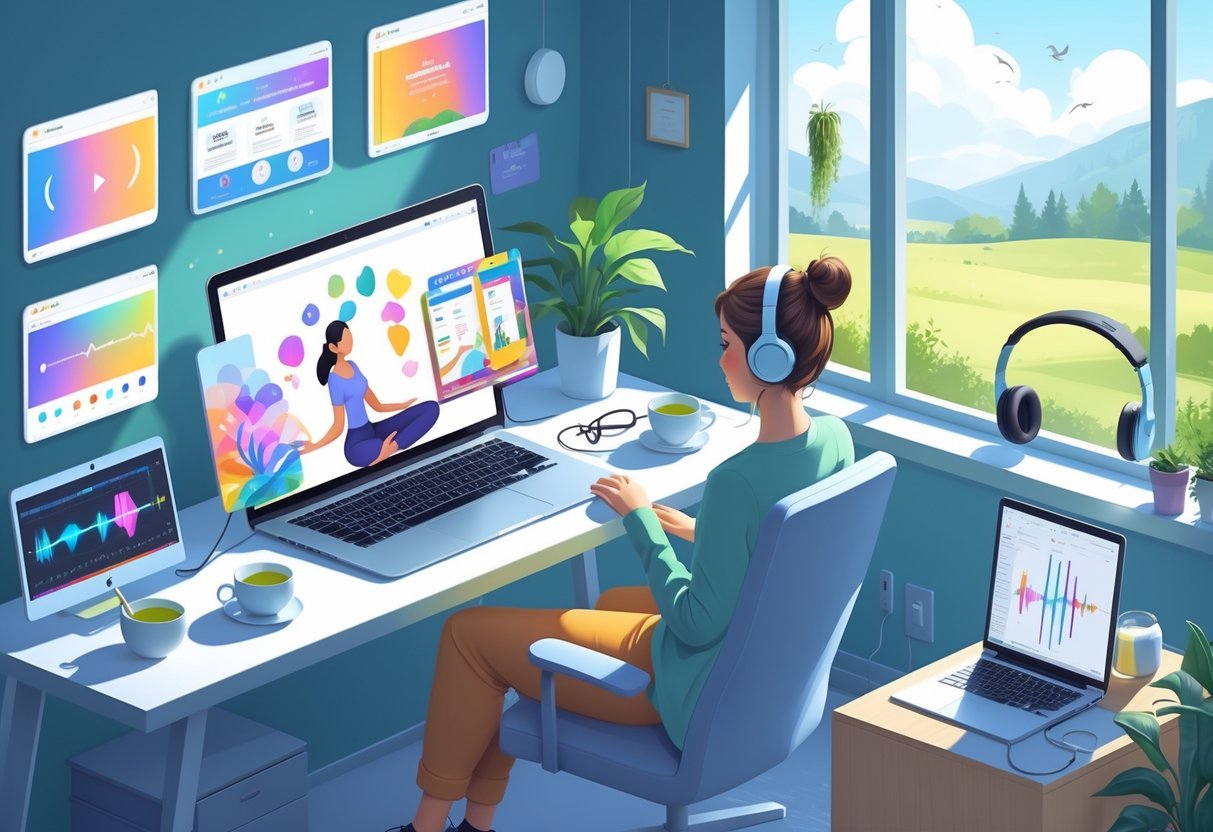
Digital platforms offer structured ways to build mindfulness habits through consistent journaling and connecting with meditation communities. These computer-based practices create accountability and provide access to guided wellness resources.
Online Journaling
Digital journaling platforms transform your computer into a personal wellness tool. Apps like Day One, Journey, and simple Google Docs provide secure spaces for daily reflection and emotional processing.
Key benefits include:
- Searchable entries to track patterns
- Password protection for privacy
- Automatic backup across devices
- Prompt suggestions for guided writing
You can establish morning or evening routines by setting calendar reminders. Many platforms offer mood tracking features that help identify emotional trends over time.
Creative and mindful hobbies provide peace and calmness, making digital journaling an effective stress-reduction tool. The act of typing thoughts helps organize mental clutter while creating a permanent record of personal growth.
Consider using structured formats like gratitude lists, goal tracking, or stream-of-consciousness writing. The flexibility of digital formats allows you to experiment with different approaches until you find what resonates.
Virtual Meditation Groups
Online meditation communities offer guided sessions and peer support through your computer. Platforms like Insight Timer, Zoom meditation groups, and specialized apps connect you with practitioners worldwide.
Popular virtual options:
- Live sessions: Real-time group meditation via video calls
- Recorded classes: On-demand content for flexible scheduling
- Discussion forums: Community support and advice sharing
- Progress tracking: Digital logs of meditation streaks
Tech-free hobbies foster emotional health, creativity, and mindfulness, but virtual groups make these benefits accessible when in-person options aren’t available.
You can join themed sessions focusing on anxiety, sleep, or productivity. Many groups offer beginner-friendly guidance with experienced instructors leading 10-30 minute sessions.
The social aspect provides accountability that solo practice often lacks. Regular participation builds consistency while connecting you with others on similar wellness journeys.
Conclusion

Computer-based hobbies offer unlimited possibilities for creativity and skill development. You can explore digital art, programming, music production, or content creation from your home setup.
Key Benefits:
- Cost-effective – Most activities use free or affordable software
- Flexible scheduling – Work at your own pace anytime
- Skill building – Develop valuable technical abilities
- Global connection – Share work and collaborate online
These computer-related hobbies provide rewarding experiences while building technical expertise. You gain practical skills that often translate into career opportunities.
Getting Started Tips:
- Choose one hobby that interests you most
- Start with free tools and tutorials
- Join online communities for support
- Practice regularly to build proficiency
Your computer becomes a gateway to countless creative outlets. Whether you prefer coding, design, writing, or gaming, digital hobbies adapt to your interests and schedule.
The learning curve varies by activity, but persistence pays off. You develop both technical skills and creative abilities through consistent practice.
Modern technology makes these hobbies more accessible than ever. Free software, online tutorials, and supportive communities remove traditional barriers to entry.
Your journey into computer hobbies can lead to new friendships, career paths, or simply personal satisfaction. The digital world offers endless opportunities for growth and expression.
Frequently Asked Questions

Computer-based hobbies span creative pursuits like digital art and music production to income-generating activities such as freelance web development and content creation. Many of these activities also build valuable professional skills in programming, design, and digital marketing.
What are some creative hobbies that involve using digital tools?
Digital painting and illustration allow you to create artwork using software like Photoshop or Procreate. You can develop your artistic skills without purchasing physical supplies.
Music production enables you to compose and record tracks using digital audio workstations. Programs like GarageBand or FL Studio provide professional-grade tools for creating original songs.
Photography editing transforms raw images into polished works of art. You can learn advanced techniques in Lightroom or other editing software to enhance your visual storytelling abilities.
3D modeling and animation let you build virtual objects and characters. Blender offers free access to industry-standard tools used in film and game production.
How can I utilize my computer for hobbies that may also generate income?
Web development skills can lead to freelance projects building websites for small businesses. You can start with HTML and CSS basics then progress to more advanced programming languages.
Content creation through blogging, YouTube videos, or podcasts can monetize your expertise in specific topics. Consistent quality content builds audiences that attract advertising revenue and sponsorships.
Graphic design services are in high demand for logos, marketing materials, and social media content. Learning design software opens opportunities for both freelance work and full-time positions.
Online tutoring allows you to teach subjects you know well through video calls. Platforms connect educators with students seeking personalized instruction in various fields.
Which computer-based hobbies are considered most beneficial for professional development?
Programming develops logical thinking and problem-solving abilities valued across industries. Languages like Python, JavaScript, or SQL enhance your employability in tech and data-driven roles.
Data analysis skills help you interpret information and identify trends. Excel proficiency combined with statistical knowledge makes you valuable in business, research, and consulting positions.
Digital marketing encompasses social media management, SEO, and email campaigns. These skills apply to virtually every business seeking online presence and customer engagement.
Project management software experience demonstrates your ability to coordinate teams and deadlines. Tools like Asana or Trello are standard in many professional environments.
Can you suggest some tech-related hobbies that can be showcased on a CV or resume?
Open source contributions show your commitment to collaborative development and technical skills. GitHub profiles display your coding projects and participation in software communities.
Cybersecurity certifications demonstrate knowledge of network protection and risk management. CompTIA Security+ or ethical hacking credentials are highly valued by employers.
Mobile app development showcases your ability to create user-friendly software solutions. Published apps in app stores provide tangible proof of your technical capabilities.
Database management skills indicate your ability to organize and retrieve information efficiently. SQL expertise is particularly valuable in data-heavy industries.
What are the best hobbies to pursue on a computer for someone interested in technology?
Robotics programming combines hardware understanding with software development. Arduino and Raspberry Pi projects teach you to control physical devices through code.
Machine learning experiments allow you to explore artificial intelligence concepts. Python libraries like TensorFlow make complex algorithms accessible to beginners.
Network administration involves setting up and maintaining computer systems. Home lab configurations let you practice enterprise-level skills on smaller scales.
Game development merges creativity with technical implementation. Unity or Unreal Engine provide platforms for creating interactive entertainment experiences.
Are there engaging hobbies that primarily involve internet usage and can be learned at home?
Digital research and fact-checking develop critical thinking skills while exploring topics that interest you. You can contribute to Wikipedia or participate in citizen science projects.
Online community moderation teaches communication and conflict resolution skills. Managing forums or social media groups builds experience in digital leadership roles.
Cryptocurrency trading and blockchain analysis combine financial markets with emerging technology. You can learn about decentralized systems while potentially generating returns.
Virtual world creation in platforms like Minecraft or Second Life allows architectural and social experimentation. These environments support both individual creativity and collaborative projects.